The note-taking app that
syncs everywhere.
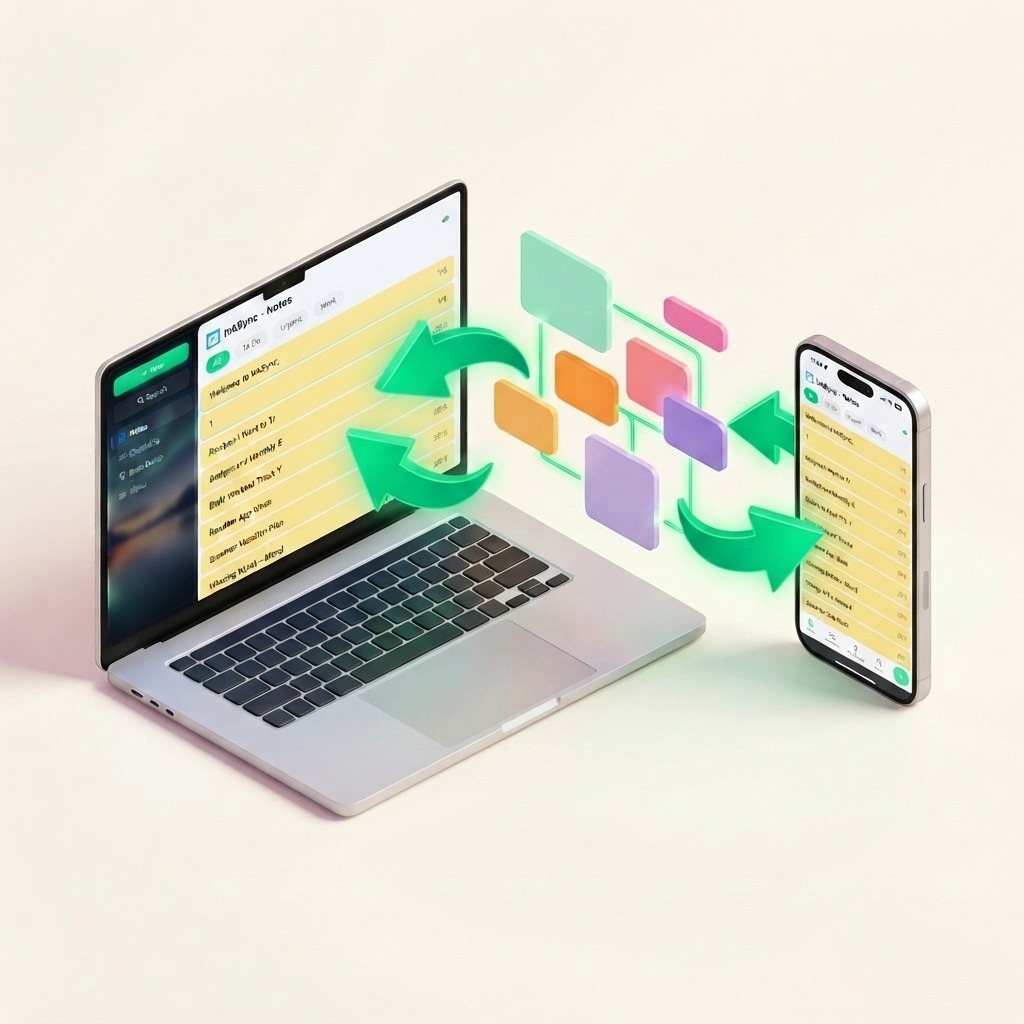
InkSync is a local-first note-taking app that works 100% offline and syncs seamlessly across Android, iOS, and the web. Write, organize, and share notes without clutter or connectivity worries.
Free plan forever • No credit card required
Sound familiar?
Most note-taking apps create more problems than they solve.
Fails without internet
You need to write down a quick note, but the app freezes or blocks you because you lost reception or don't have Wi-Fi.
Scattered across too many apps
Google Keep for lists. Apple Notes for long-form. A shared doc for work. Nothing in one place, nothing in sync.
Too complex to just write
You wanted a note, not a database. Some apps turn simple writing into a project management exercise.
No privacy when you need it
Personal thoughts, passwords, private lists — most apps don't let you lock individual notes from prying eyes.
Everything you need to write, nothing you don't
InkSync gives you everything you need to write, organize, and share — across every device.
Local-first & works offline
The mobile app stores notes directly on your device. Write and read seamlessly without an internet connection — never fail when offline.
Dedicated Brain Dump
A dedicated space to quickly capture raw thoughts, attach images, and record voice notes — just like messaging yourself on the fly.
Your notes, on every device
Write on your phone, pick up where you left off on any browser. InkSync keeps everything in sync across Android, iOS, and the web.
Collaborate in real time
Invite friends, family, or teammates to view and edit notes together. Perfect for shared lists, meeting notes, and group projects.
Stay organized with checklists
Create to-do lists. Organize with custom tags, color-coded notebooks, and instant search.
Write smarter with AI
Proofread and rewrite notes with your selected tone — InkSync's AI assistant helps polish your writing whenever you need it.
Keep private notes private
Password-protect sensitive notes. Your private thoughts stay private.
Link notes to your calendar
Attach notes to dates and events. Browse chronologically to recall what you wrote and when.
Start writing in under 60 seconds
Get started in under a minute. No complicated setup required.
Create or Brain Dump
Open InkSync on any device. Instantly capture raw ideas, voice notes, and images in Brain Dump or create structured notes and checklists.
Sync automatically
Your notes are stored locally first and sync instantly across Android, iOS, and the web when connected.
Share and collaborate
Invite anyone by email to view or edit your notes together in real time.
Who uses InkSync
Whether you're studying, working, or running a household — InkSync fits right in.
Students
Capture lecture notes, organize study guides, and create shared notes for group projects.
Professionals
Draft meeting notes, share agendas, and collaborate with your team in real time.
Creators
Brain dump raw ideas, voice notes, images, and outline drafts on the go.
Families & Couples
Share grocery lists, plan trips, and keep household notes perfectly in sync.
How InkSync compares
See how InkSync stacks up against other popular note-taking apps.
| Feature | InkSync | Google Keep | Apple Notes | Notion |
|---|---|---|---|---|
| Local-first (works 100% offline) | ✓ | Partial | ✓ | ✗ |
| Real-time cross-platform sync (your devices) | ✓ Free | Partial | Apple only | ✓ |
| Multi-user note sharing & collaboration | ✓ Premium | Lists only | ✗ | ✓ |
| Dedicated Brain Dump (text, voice & images) | ✓ Premium | ✗ | ✗ | ✗ |
| AI proofread & tone rewrite | ✓ Premium | ✗ | ✗ | ✓ |
| Note locking / password protection | ✓ | ✗ | ✓ | ✗ |
| Checklists | ✓ | ✓ | ✓ | ✓ |
| Free plan | ✓ (50 notes) | ✓ | ✓ | ✓ |
What people are saying
"I was using Apple Notes and Google Keep across different devices and it was a mess. InkSync fixed that — one app, everything in sync. I use it for class notes, grocery lists, everything."
"Our team switched from a shared Google Doc to InkSync for meeting notes. The real-time collab is smooth and way less cluttered. Plus my personal notes stay separate."
"I write on my phone during my commute and pick up right where I left off on my laptop. The sync is genuinely instant. No fiddling with exports or cloud drives."
"My wife and I share grocery lists, packing lists, and home project notes through InkSync. It replaced our fridge whiteboard. Simple, fast, and always up to date."
"I have tried Notion, Bear, and Simplenote. InkSync hits the sweet spot — it has checklists, brain dump, and AI features without the bloat. It is the only notes app I have stuck with."
"I was using Apple Notes and Google Keep across different devices and it was a mess. InkSync fixed that — one app, everything in sync. I use it for class notes, grocery lists, everything."
"Our team switched from a shared Google Doc to InkSync for meeting notes. The real-time collab is smooth and way less cluttered. Plus my personal notes stay separate."
"I write on my phone during my commute and pick up right where I left off on my laptop. The sync is genuinely instant. No fiddling with exports or cloud drives."
"My wife and I share grocery lists, packing lists, and home project notes through InkSync. It replaced our fridge whiteboard. Simple, fast, and always up to date."
"I have tried Notion, Bear, and Simplenote. InkSync hits the sweet spot — it has checklists, brain dump, and AI features without the bloat. It is the only notes app I have stuck with."
Frequently asked questions
Everything you need to know about InkSync.
InkSync is a cross-platform note-taking app designed for simplicity, offline reliability, and seamless sync. It works on Android, iOS, and the web, with local-first storage so your notes are always available even without an internet connection.
Yes. InkSync offers a free plan that includes up to 50 notes & checklists, and real-time cross-platform sync across your Android and Web devices (iOS coming soon). If you need more capacity, multi-user collaboration, or other Premium features, InkSync Premium is available at $0.99 per week or $33.99 per year.
InkSync is available on Android via Google Play, on any modern web browser at app.inksyncnote.com, and an iOS app is coming soon. Your mobile app works 100% offline and syncs across all your devices in real time whenever connected.
Absolutely. InkSync Premium supports multi-user note sharing & collaboration — you can invite anyone by email to view or edit a note together. It works great for shared grocery lists, meeting notes, group projects, and travel planning.
Yes. InkSync takes privacy seriously. You can password-protect your notes. Your data is stored securely on encrypted cloud infrastructure.
No. InkSync never sells your personal data or note content to advertisers or third parties.
Brain Dump is a dedicated section designed for fast, frictionless thought capture. Similar to messaging yourself, you can quickly type notes, attach images, and record voice notes on the fly without worrying about folder setup or titles.
No, never. InkSync is built local-first for mobile. Every note you write is saved directly to your device local storage first, so even if your connection drops, freezes, or disappears completely, your work is 100% safe and available offline. Once you reconnect, InkSync automatically syncs your changes.
Unlike Google Keep or Apple Notes, InkSync is truly cross-platform and local-first — it works offline on mobile and syncs across Android, iOS, and the web for free. InkSync Premium also offers multi-user note sharing & collaboration, a dedicated Brain Dump section with voice notes and images, AI writing tools to proofread and rewrite with custom tones, and password locking for sensitive notes.
Your notes are always yours. If you downgrade from InkSync Premium to the free plan, all your existing notes remain stored locally and cloud-accessible. You can export your data at any time.
Simple, transparent pricing
Start free. Upgrade when you need more.
Free
- ✓ Up to 50 notes & checklists
- ✓ Real-time cross-platform sync (your devices)
- ✓ Local-first offline access
- ✓ Tags & instant search
- ✓ Color-coded notebooks
Premium
- ✓ Unlimited notes
- ✓ Everything in Free
- ✓ Dedicated Brain Dump (voice, text & images)
- ✓ Multi-user note sharing & collaboration
- ✓ AI proofreading & tone rewriting
- ✓ Password-protected notes
- ✓ Calendar integration
Ready to simplify your notes?
Start writing, organizing, and sharing — for free, across all your devices.
Create Your Free AccountFree forever • No credit card required